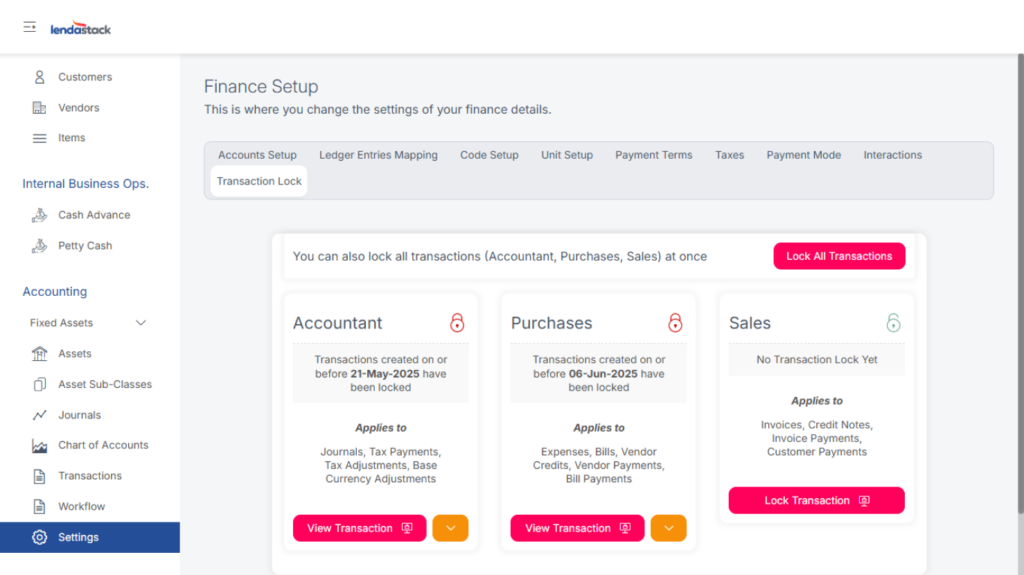
This section includes the configuration options for the finance module.
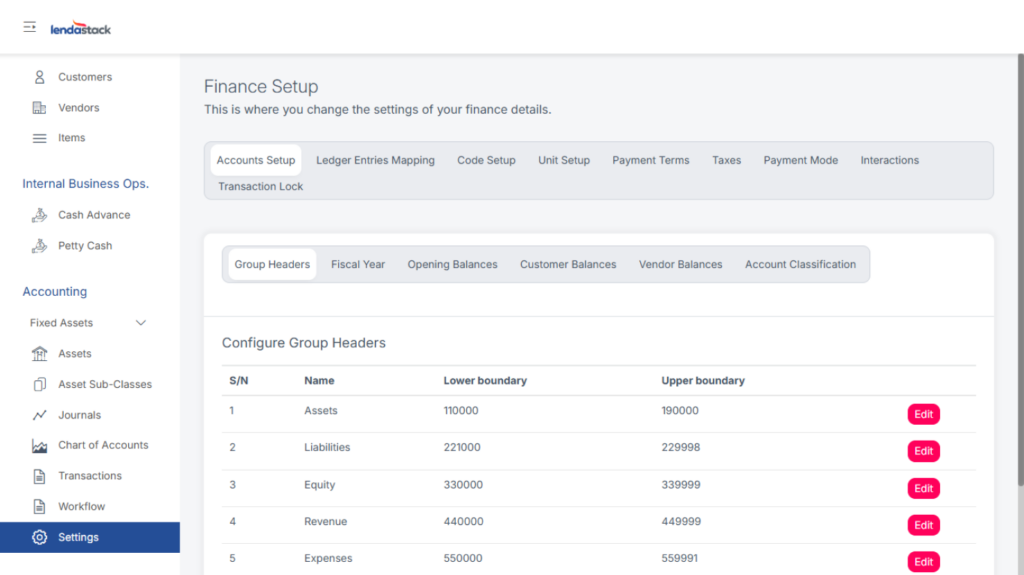
Account Set-up
Configure group headers, fiscal year, account classification, and upload opening balances for customers and vendors. Download the sample format, fill in the data, and upload.
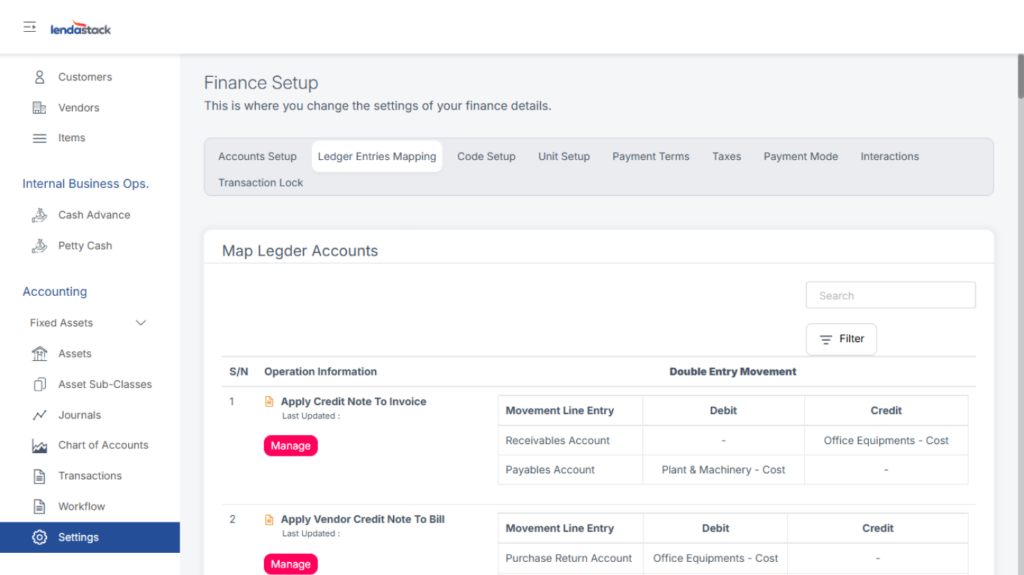
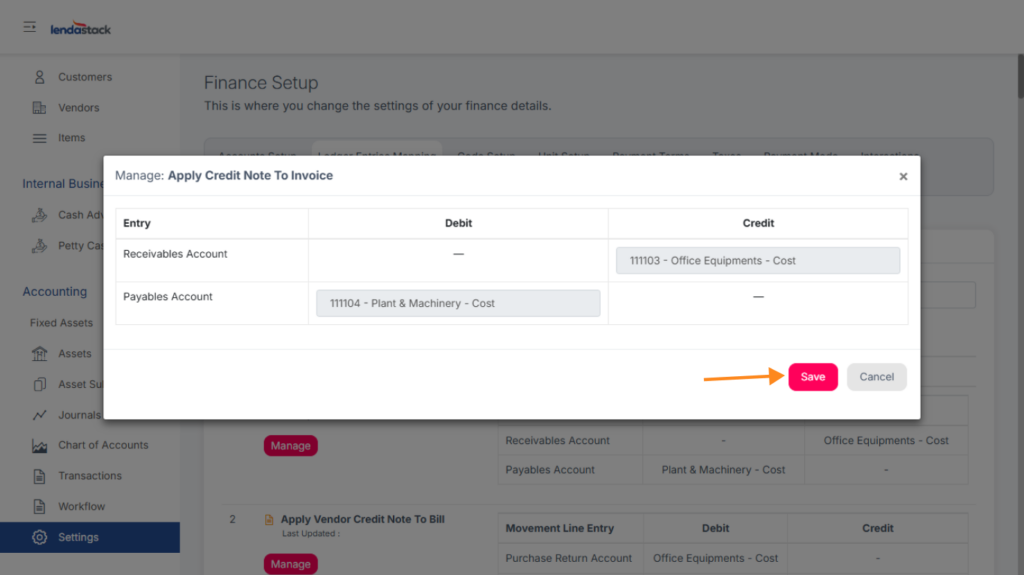
Ledger Entries Mapping
Map ledger accounts based on movement entries by clicking Manage, then select accounts, and save.
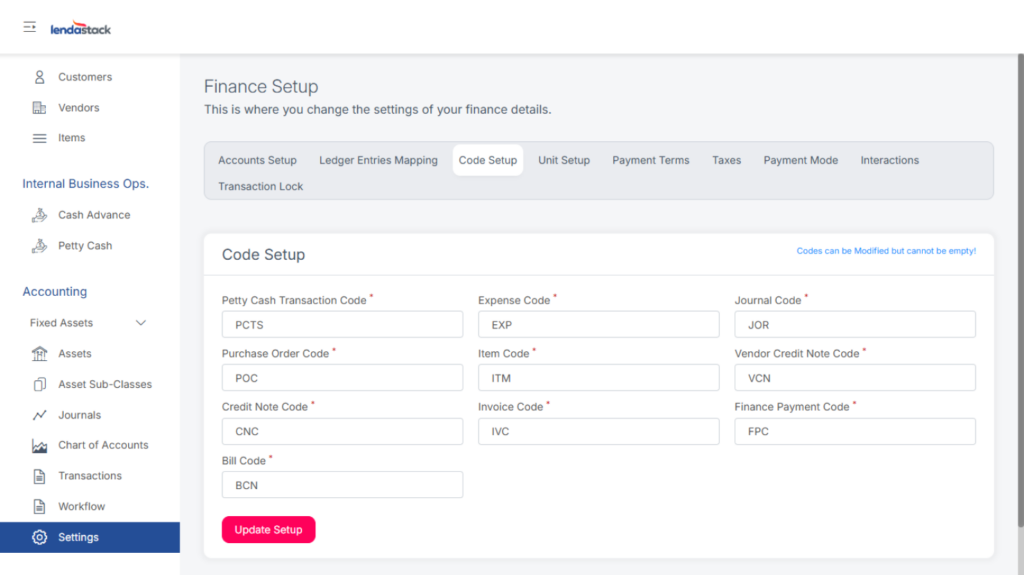
Code Setup
Define system codes and click Update Setup once done.
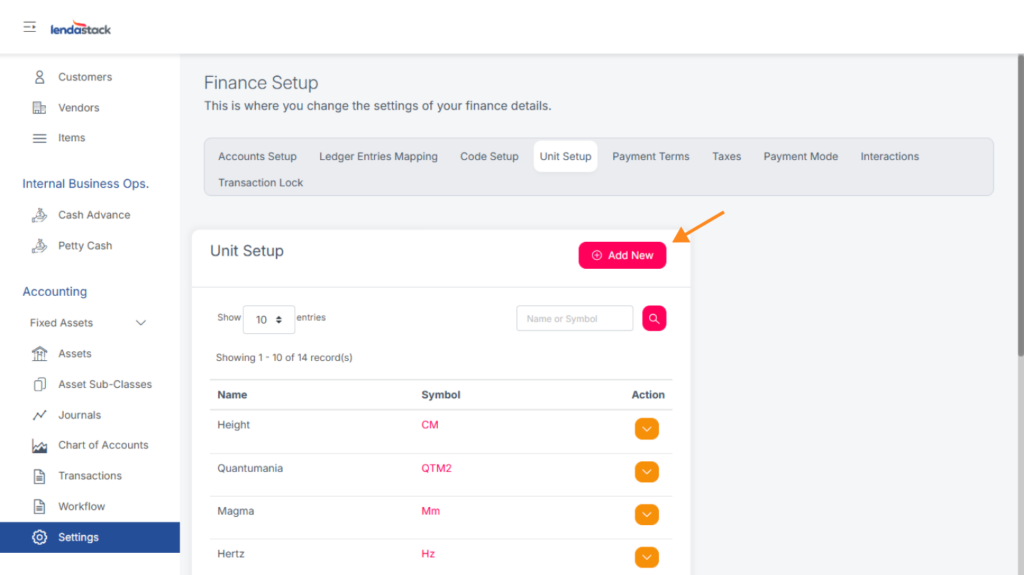
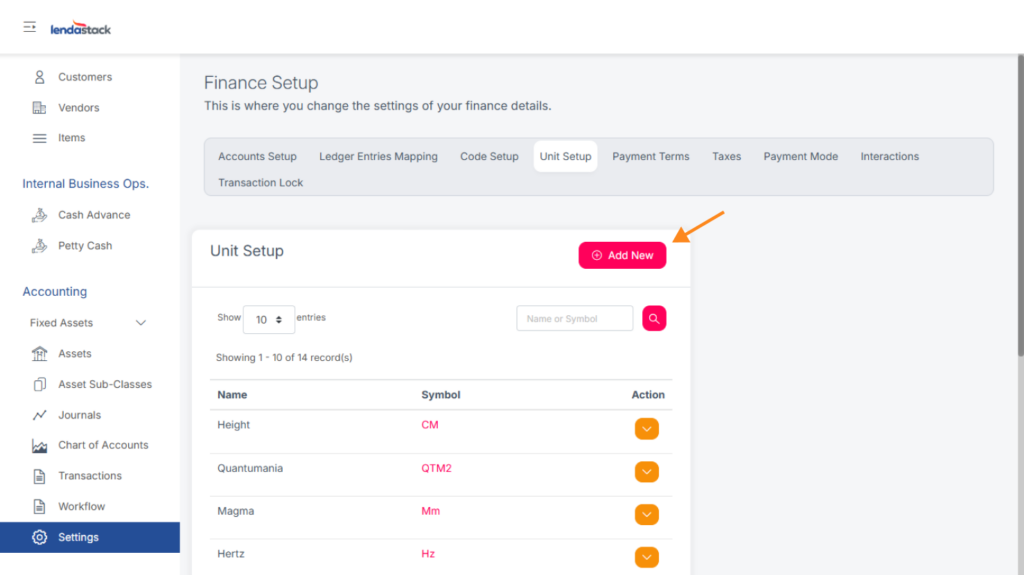
Unit Setup
Define measurement units for goods or services by clicking Add New and filling in the pop-up form.
Payment Terms
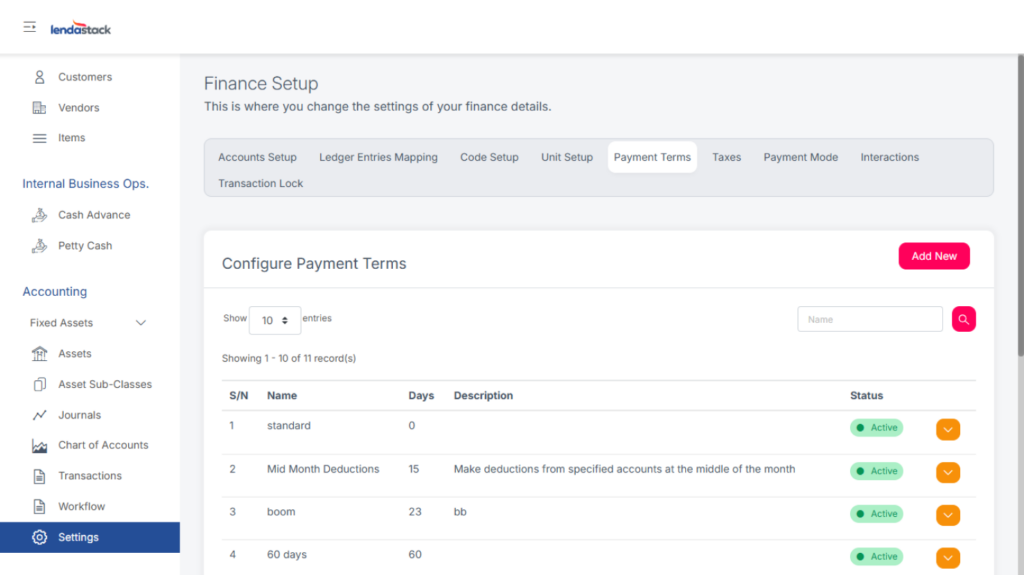
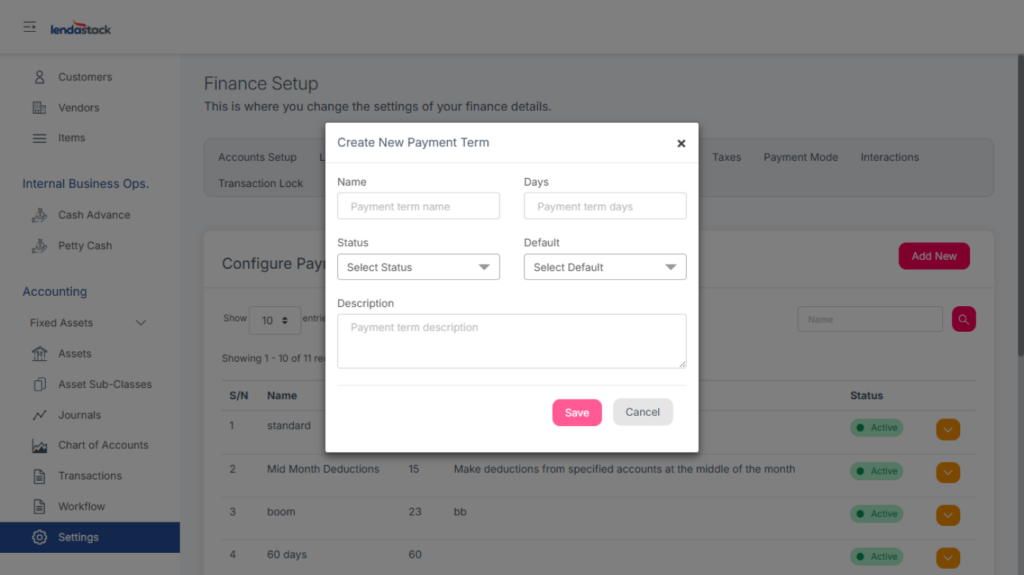
Click Add New to define payment terms.
Taxes
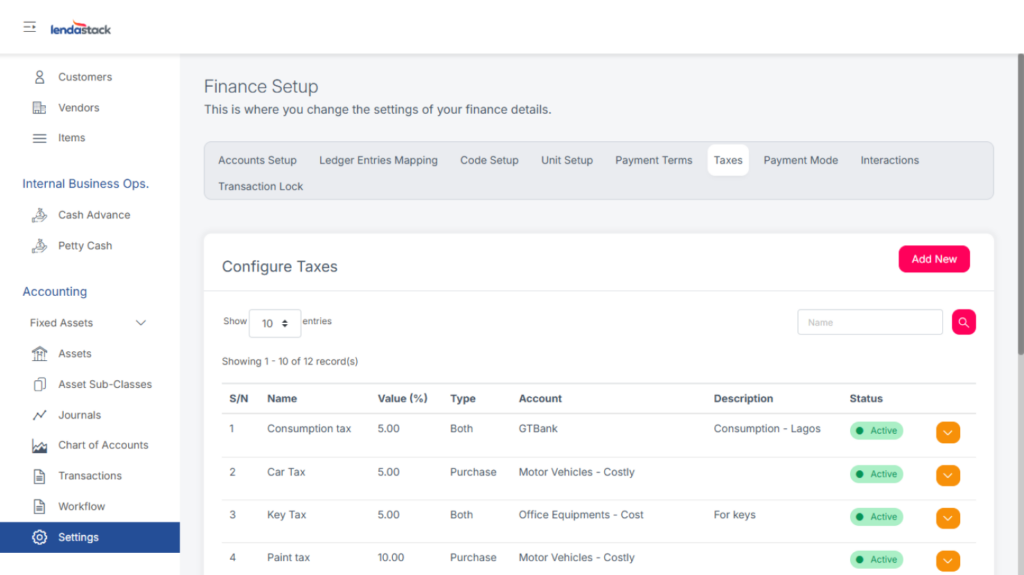
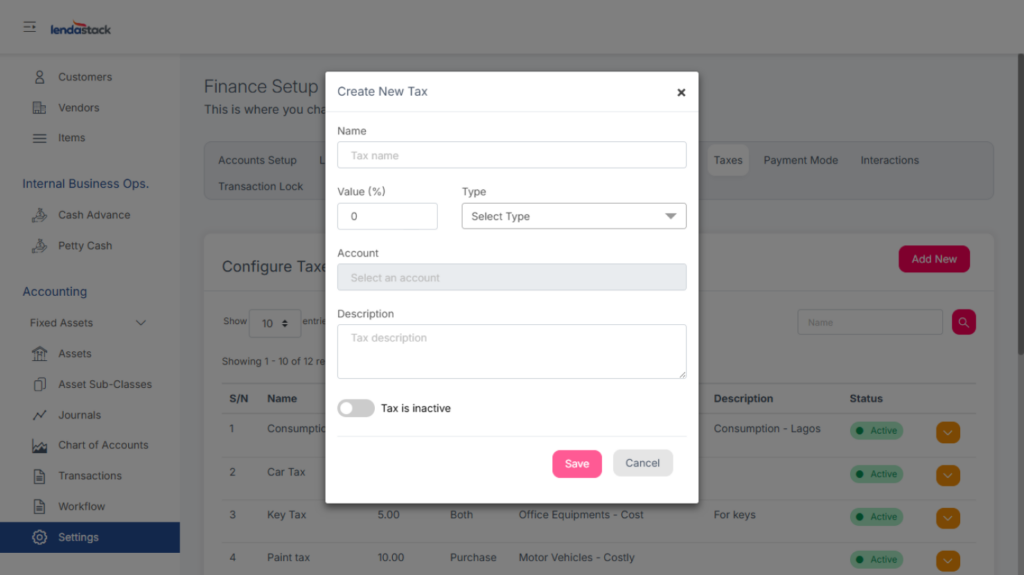
Click Add New, enter the required details, and save.
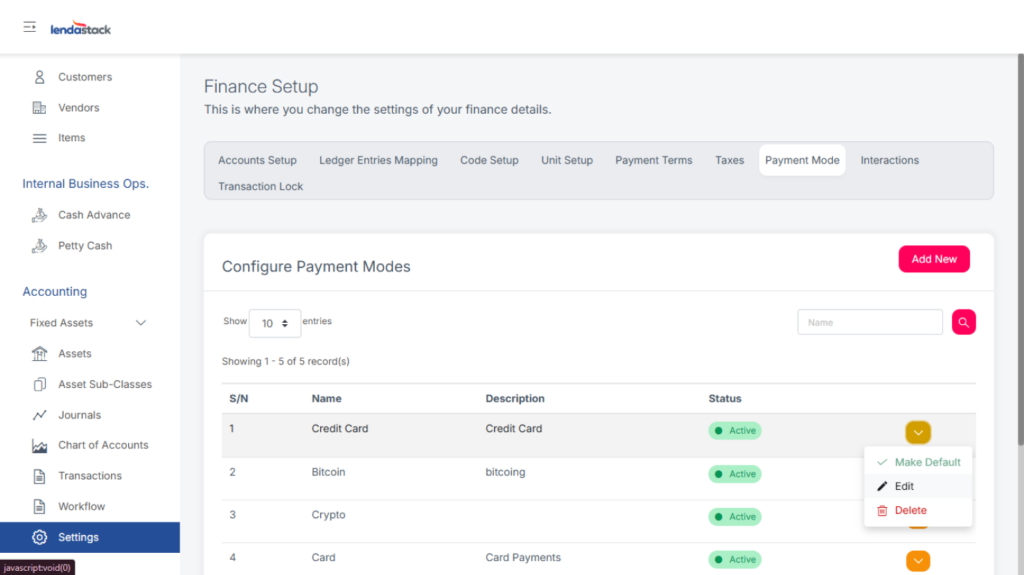
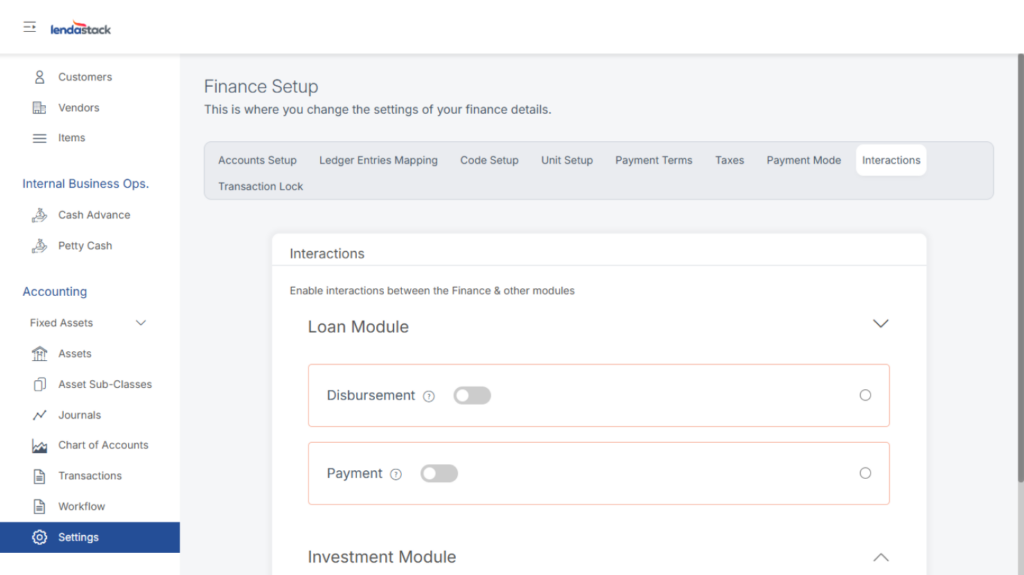
Interactions
Enables integration between the Finance module and other modules (Loan, Investment, etc.). When toggled on, the system automatically generates transaction entries for disbursements, repayments, payouts, and liquidations.
Transaction Lock
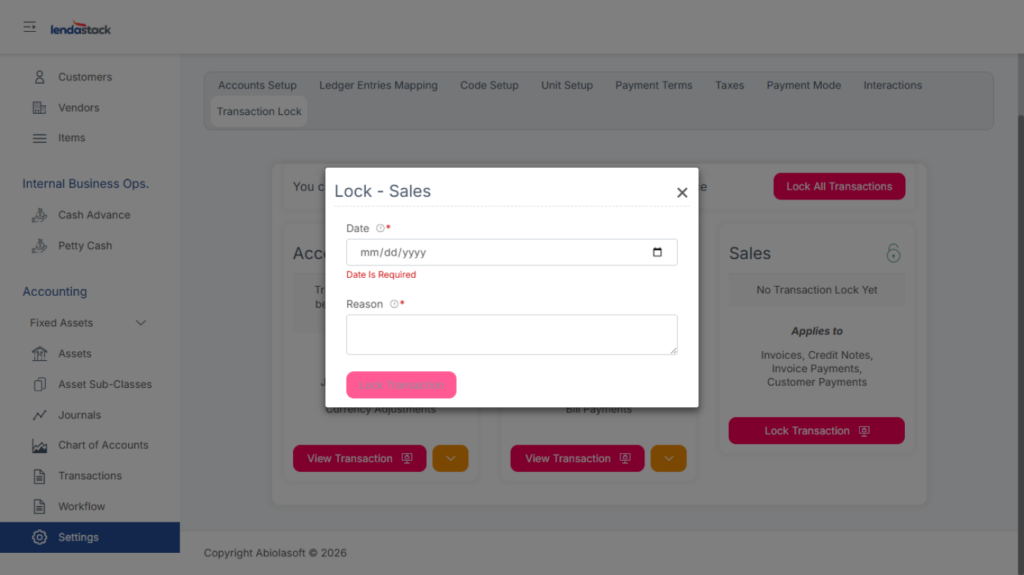
Allows authorized users to lock transactions for a specific period. Users can lock all transactions or specific categories, specifying the date and reason.