
This section
Invoices
This invoice feature is used to bill customers. This section allows you to create and manage invoices for customers.
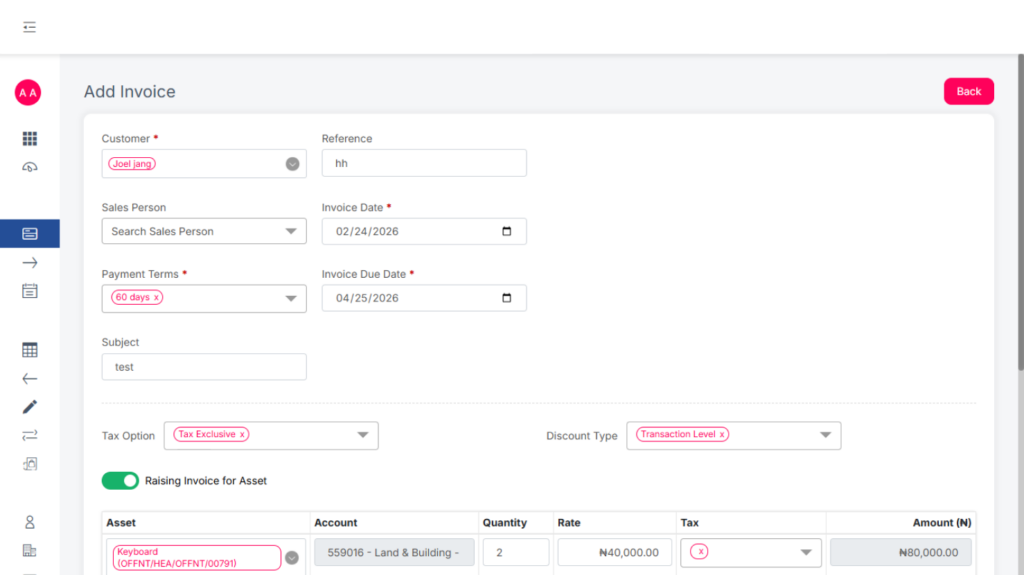
To create a new invoice:
- Click Add New
- Fill in the required details.
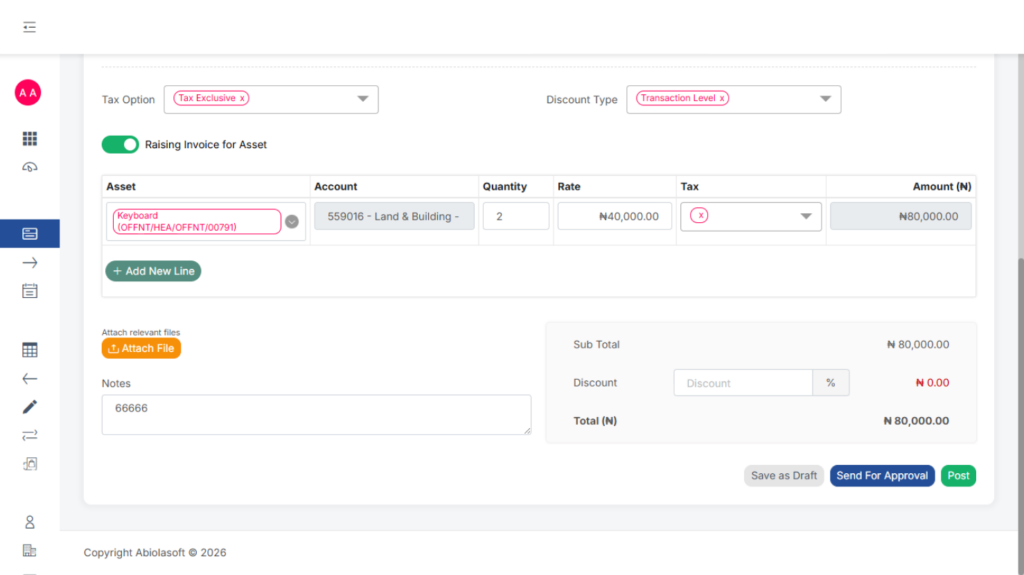
- Choose one of the following actions:
- Save as draft
- Send for Approval
- Post Directly
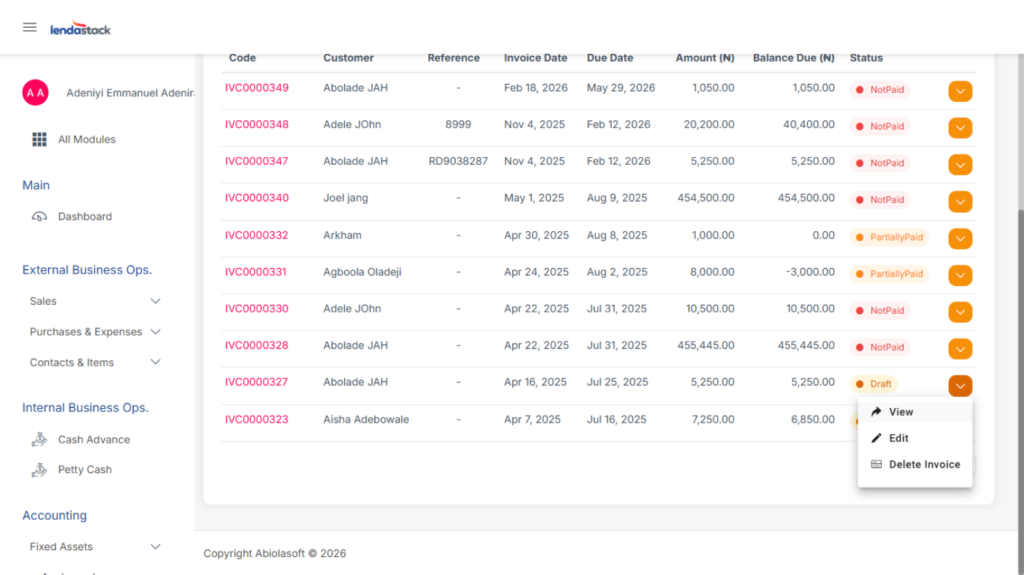
An invoice that has not been sent for approval can still be edited or deleted. Click the invoice or the drop-down arrow on the right to view, edit, or delete it.
While awaiting approval, the invoice can still be withdrawn.
Once sent for approval, only users with the required permission can Redraft, Approve, or Reject the invoice.
After an invoice has been posted, only authorized users can Void it.
You can also Clone an invoice by selecting the invoice you want to copy, confirming the details, and then saving it as a draft or sending it for approval.