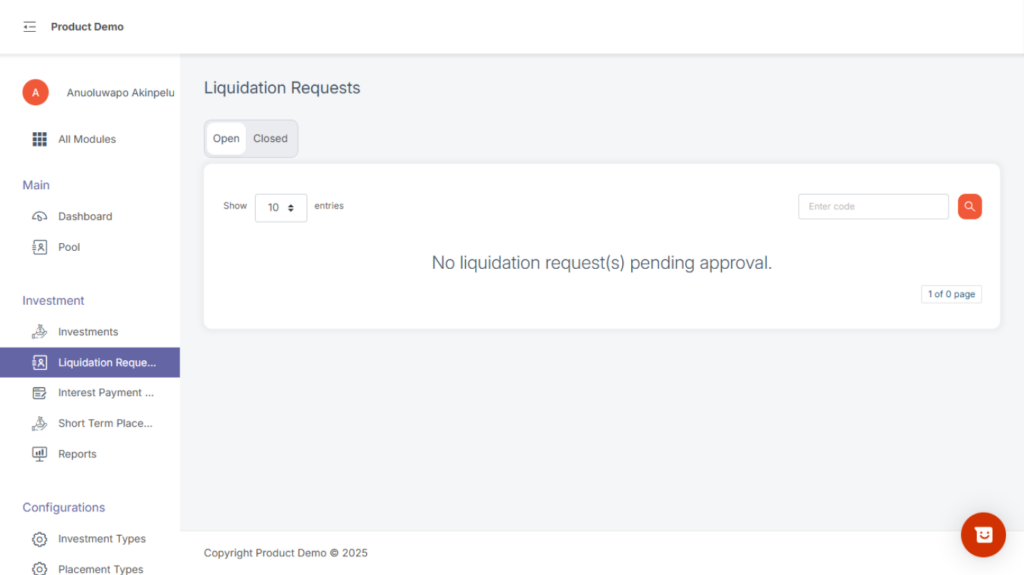
Liquidation Requests is where you view all customer or system-triggered requests to liquidate investments — either at maturity or via early liquidation.
You have two tabs:
Open – pending approvals
Closed – approved or denied requests
How to liquidate an investment
Step1, locate and active or mature investment
Step2, click on the view to see the following:
- Investment Code
- Request date
- Request By
- Liquidation date
- Liquidation amount
step3, At the bottom of the modal click on liquidation button
step4, Approve or deny a liquidation request (requires permission + PIN).
Closed investments refer to investments that have completed their lifecycle and have been officially concluded on the system.
These are investments that:
- Were liquidated and fully settled, or
- Reached maturity and were processed out
They serve as historical records and cannot be modified.