
A disbursement batch is a list of all loan applications that have been approved and claimed but not yet paid out.
After a user claims one or more loans from the Disbursement Pool, the loans are sent to the Disbursement Batch. The system will typically navigate the user to this page automatically.
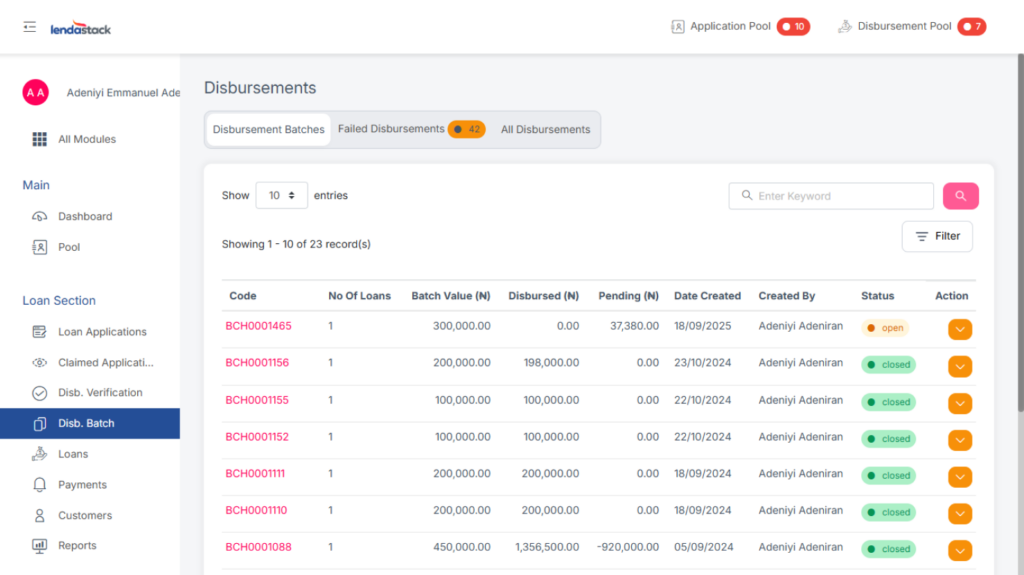
Only users with the “View Disbursement Batches – Disburse Loan” permission can access this function.
When you select one or more disbursements in the batch, the following action buttons will appear:
- Preview Mandate
- Manual Activation
- Disburse via Paystack
- Disburse via Kuda
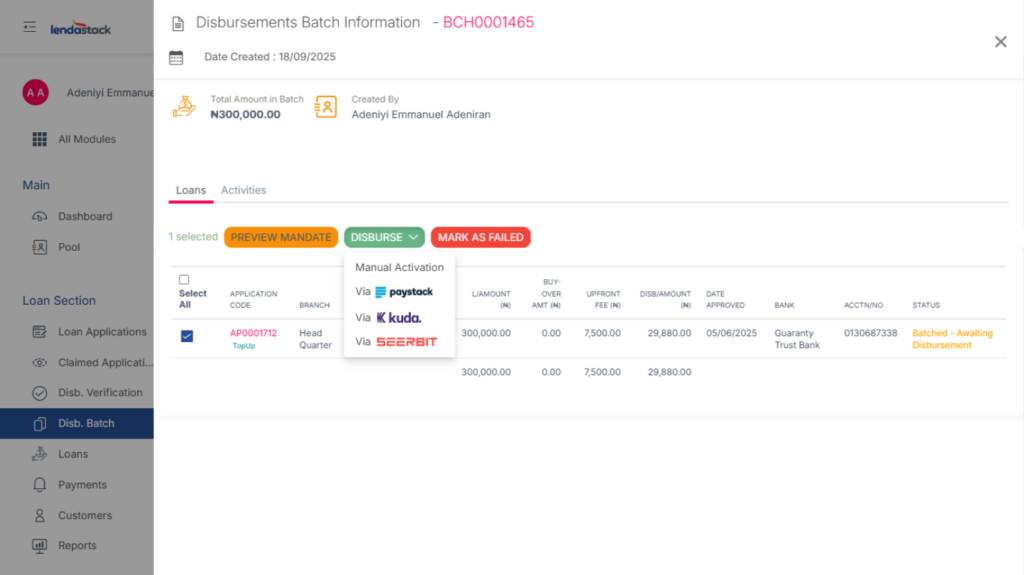
Clicking Manual Activation or Disburse via Paystack will open a confirmation modal. You must enter your Transaction PIN to authorize the release of funds.
Once completed, the loan status will update to Disbursed, pending final Disbursement Verification.