Customer #
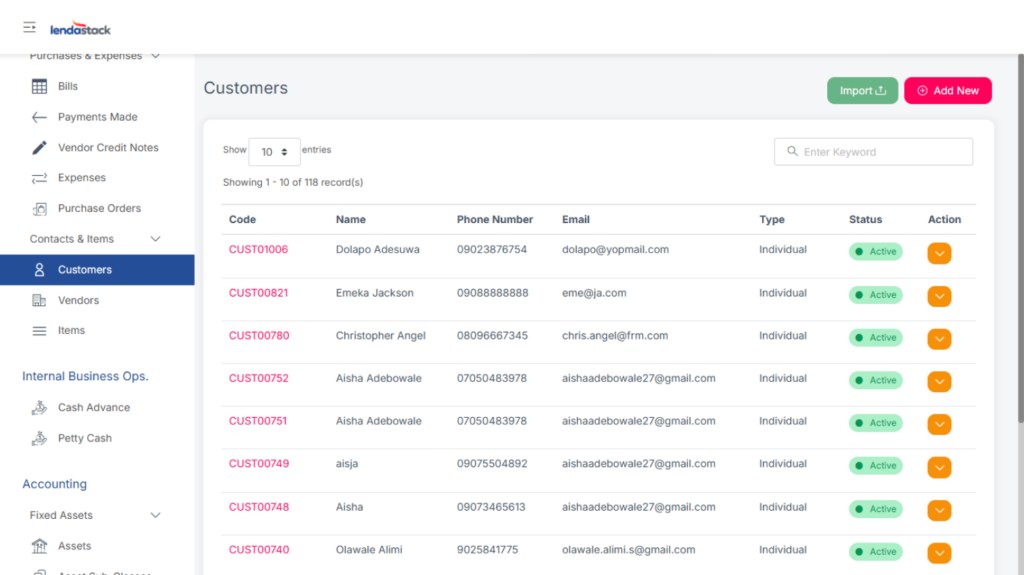
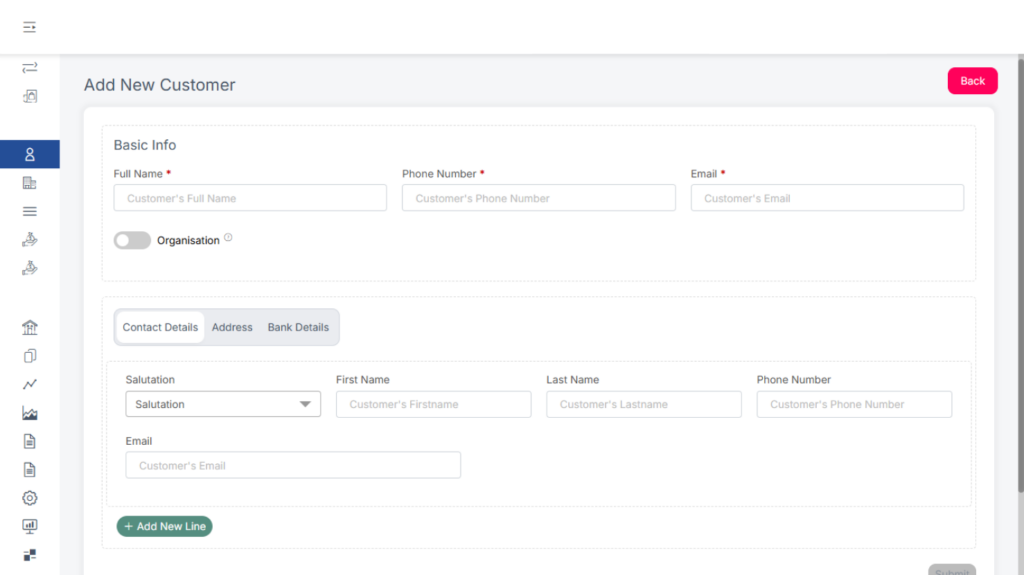
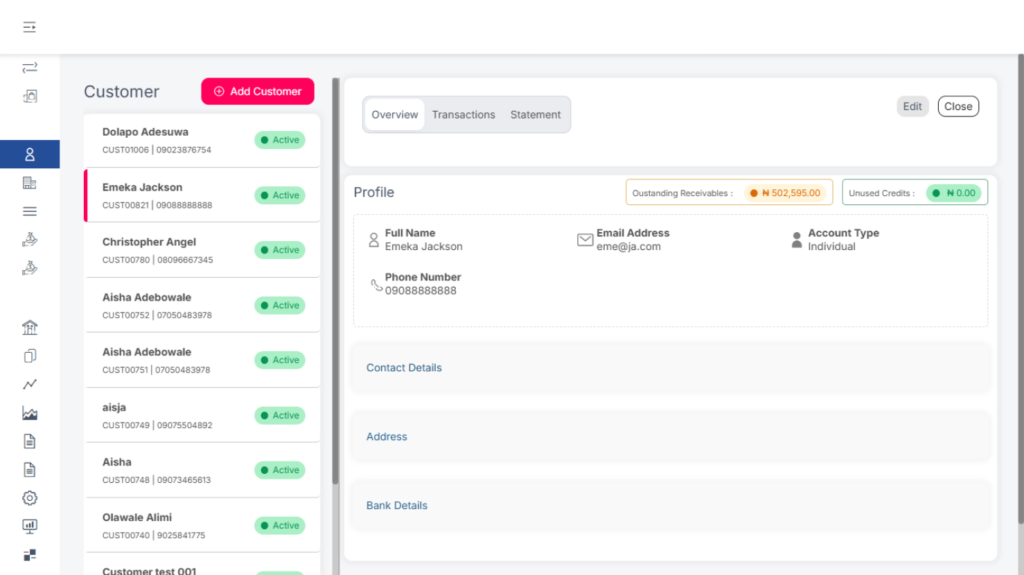
This section stores details of all existing customers for easy access when processing transactions.
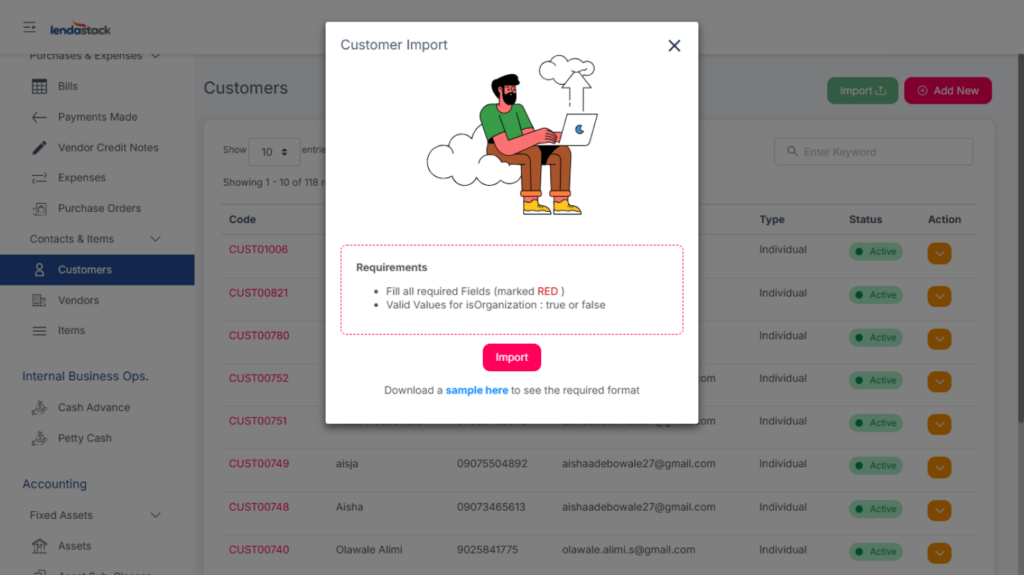
Users can either Import multiple customer records or Add New customers manually.
When importing, download the provided sample file, fill in the required details according to the format, and upload.
Vendors
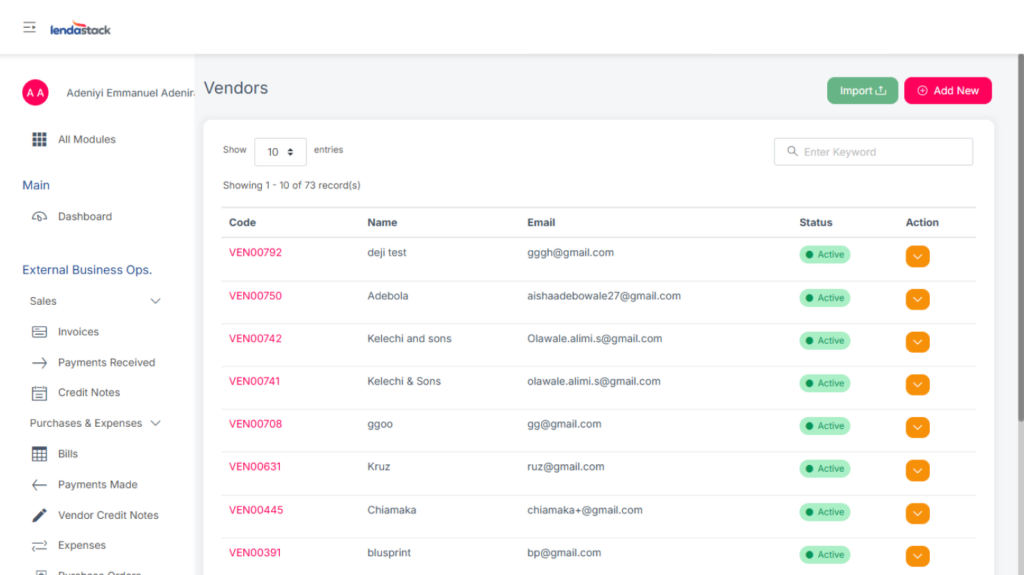
This section stores details of all existing vendors for easy access during transactions such as purchase orders or bills.
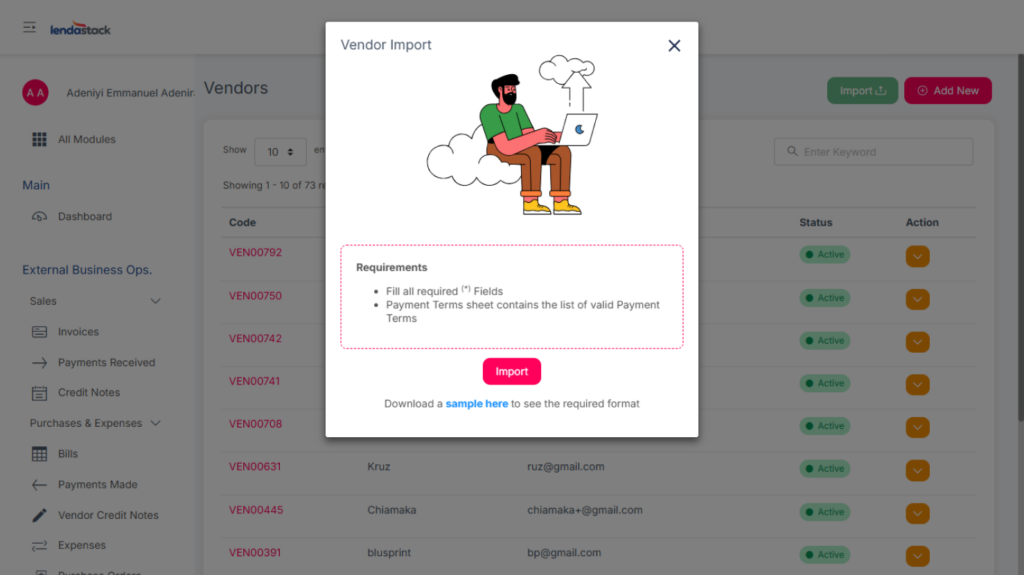
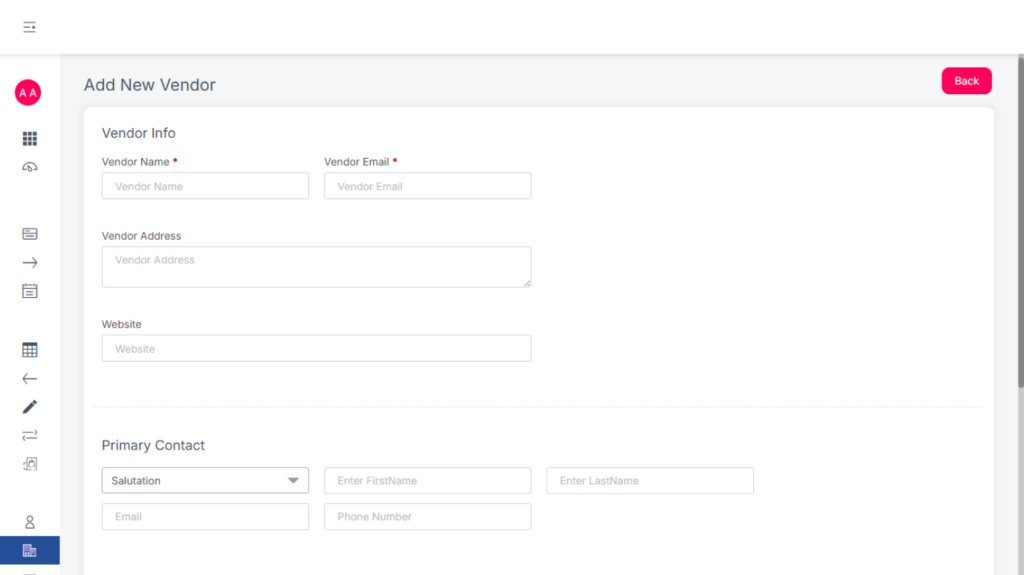
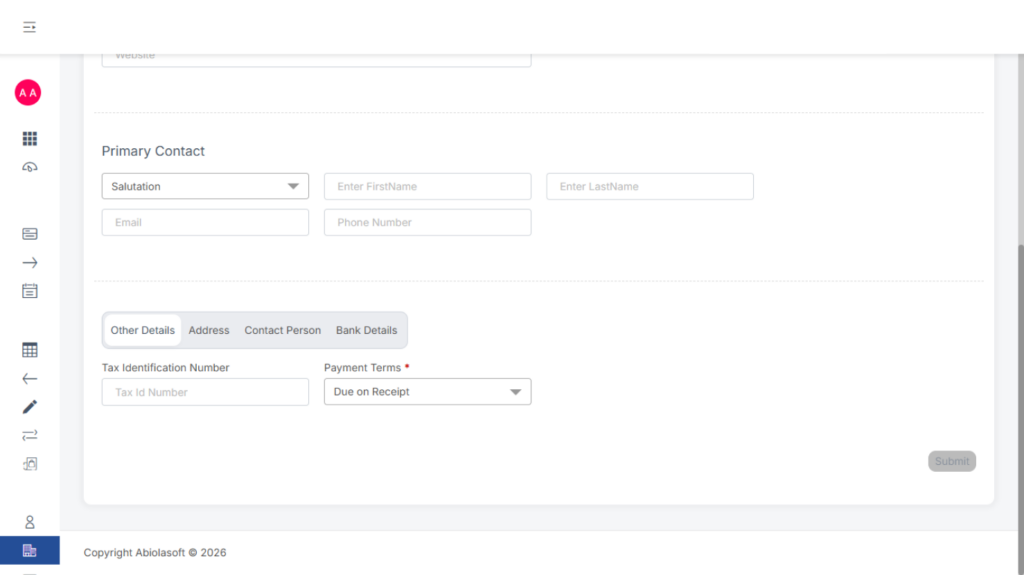
Users can Import vendor details in bulk or Add New vendors manually.
Download the sample format, fill in the required fields, and upload.
Viewing and Editing Vendor Details
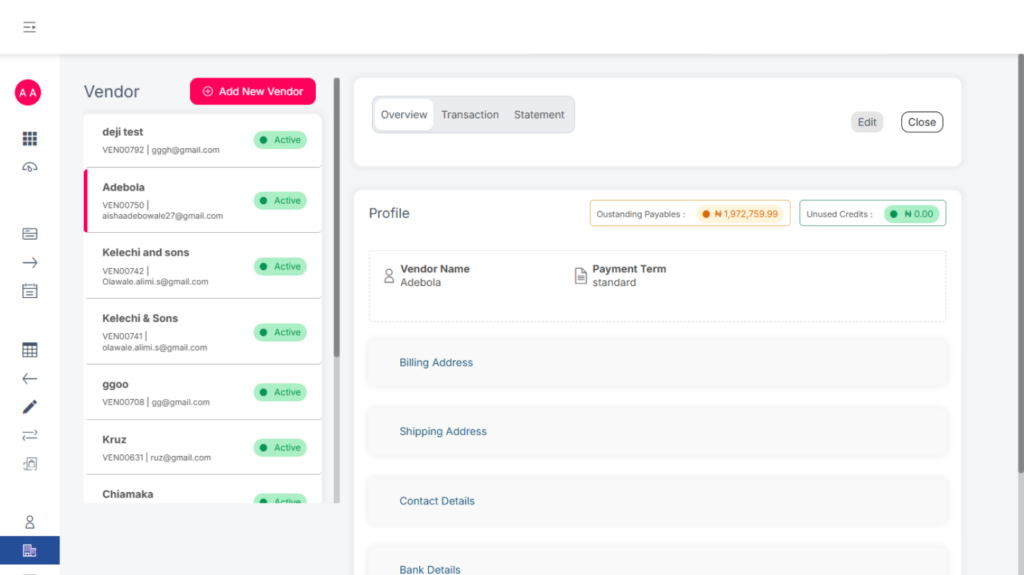
Click on a vendor to:
- Edit their details
- View past transactions
- Access account summaries
Deactivate a Vendor
To deactivate a vendor: #
- Locate the vendor in the list.
- Click the Action drop-down menu.
- Select Deactivate.
ITEMS
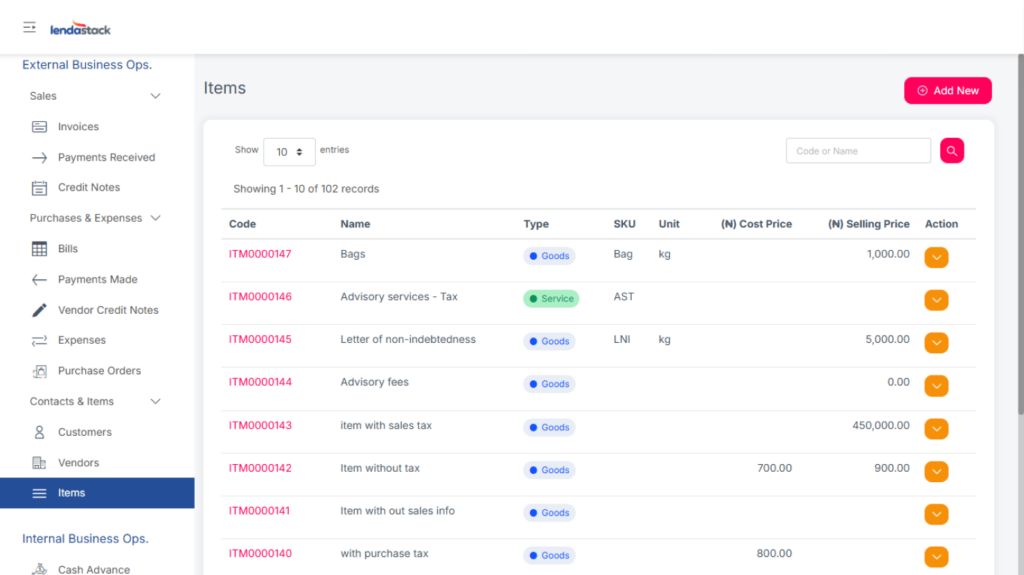
This section records all goods or services offered or procured by the business, which makes it easier when raising invoices or bills, items can be selected from a dropdown list.
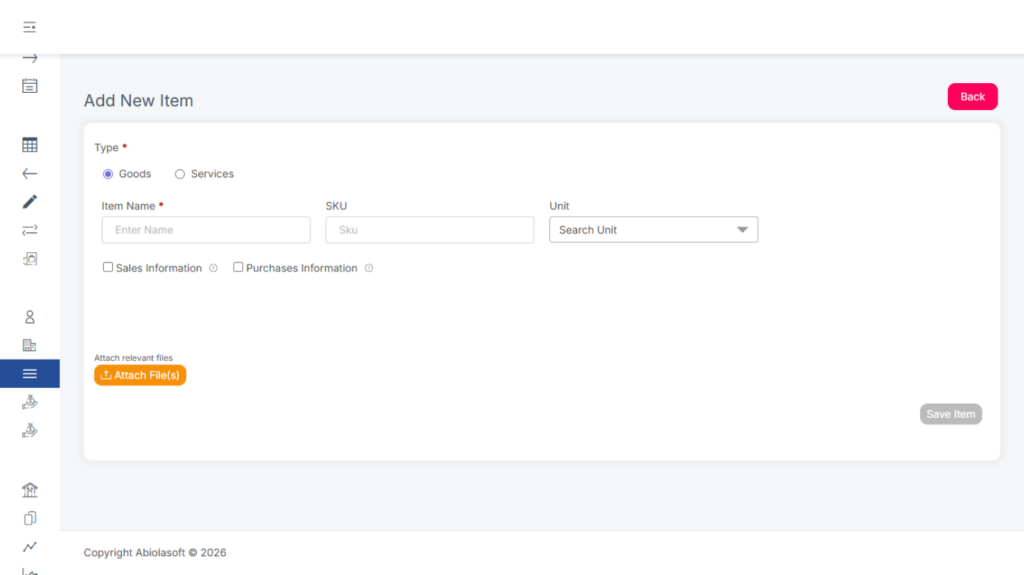
To add new item
- Click Add New.
- Fill in all required details.
- Click Save.