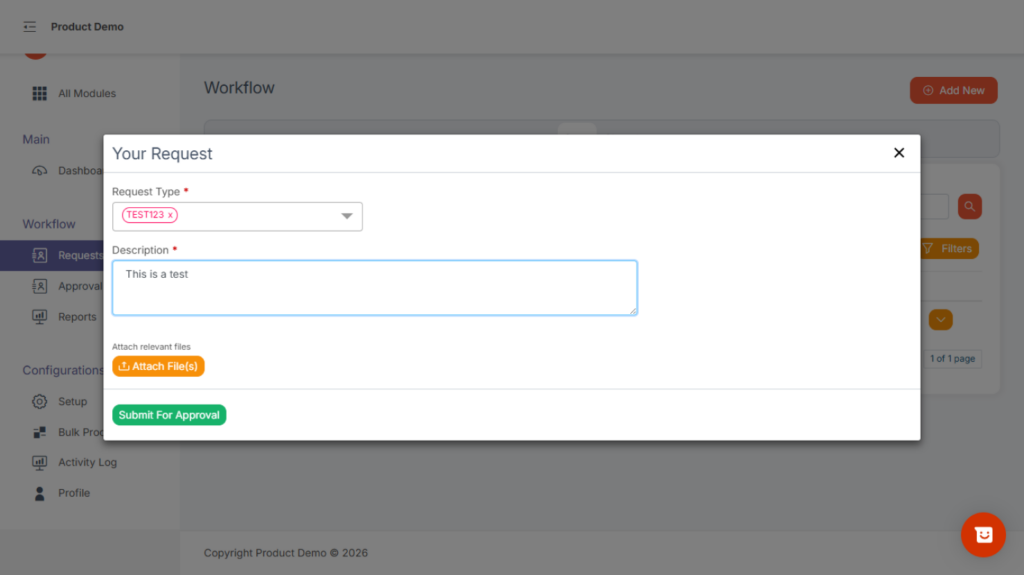
To create a new request:
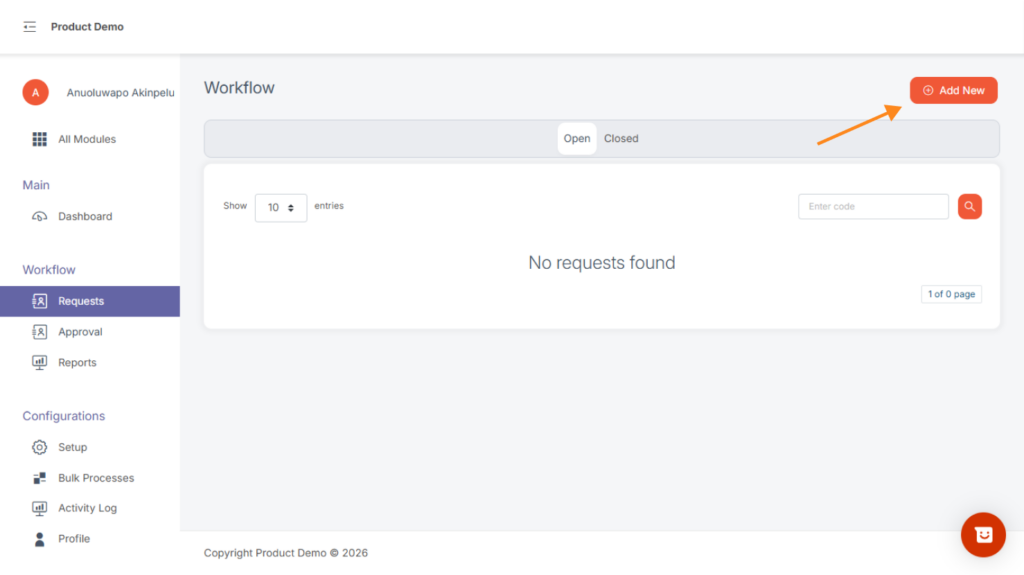
- Navigate to Workflow → Request via the sidebar.
Click “Add New” at the top-right.
This action brings up the modal below, select the request type from the dropdown list of configurations created.
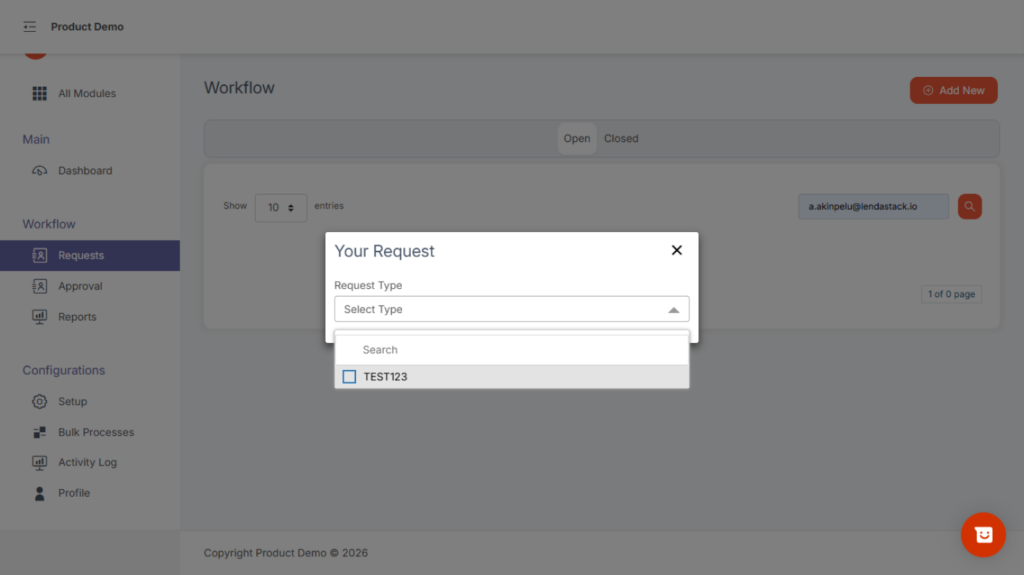
After selecting the request type, user will be asked to Fill in the form details displayed (these are based on the configuration setup).
Additional information appears in collapsible grey sections.
Add a description and attach any supporting documents.
Submit the request for approval.