
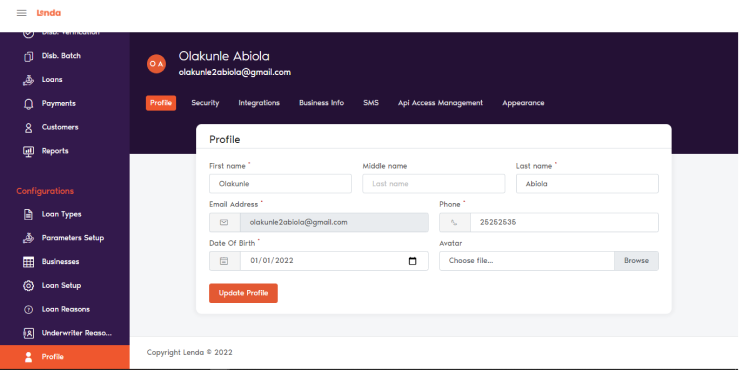
In this section, users can edit their profile, manage security settings, configure integrations, update business information, customize SMS templates, control API access, and adjust the appearance of the system.
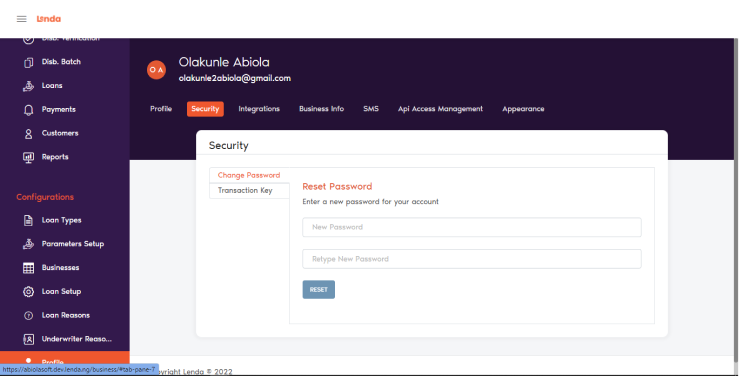
Security
This section allows users to manage and reset their passwords and transaction PIN.
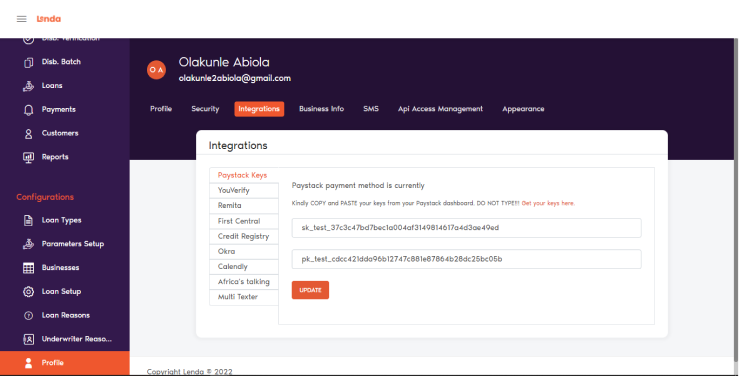
Integration
This section displays all third-party partners integrated with your business. Any partner your business integrates with can be updated here by providing the necessary credentials, such as:
- API Key
- API Secret Key
- Webhook Secret
- Other required authentication details
To update or modify an integration, simply select the relevant partner and enter the updated information in the corresponding fields.
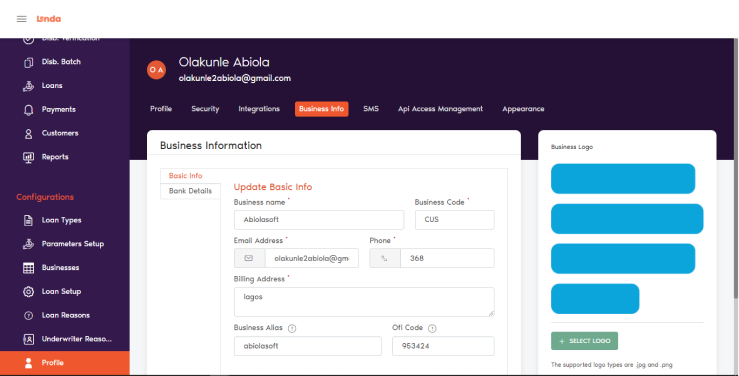
Business Info
This section allows users to manage business details and also add a logo.
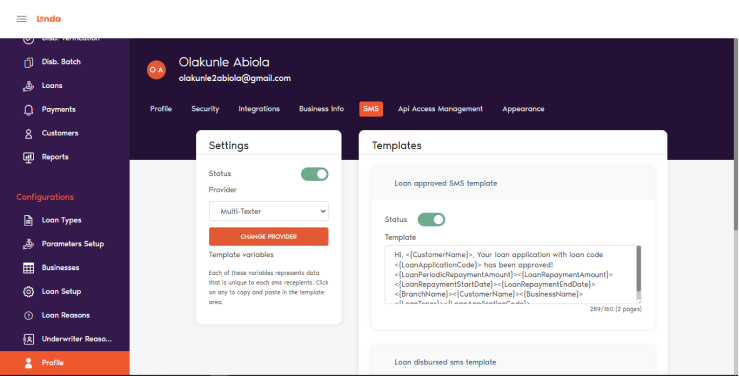
SMS Template
To edit SMS provider or make changes to the provided templates.
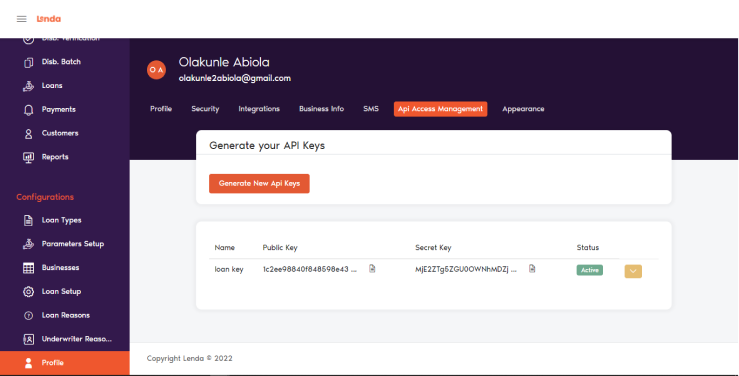
API Access Management
The API Access Management section allows users to securely control how applications and services interact with the system. Here, you can generate, configure, and monitor API credentials to ensure safe and efficient integrations.
Users can:
- Change the system theme (e.g., light mode, dark mode, or default theme).
- Adjust the colour palette to suit your preference or branding.
Appearance
The Appearance section allows users to customize the visual layout of the system, including the theme and color scheme.