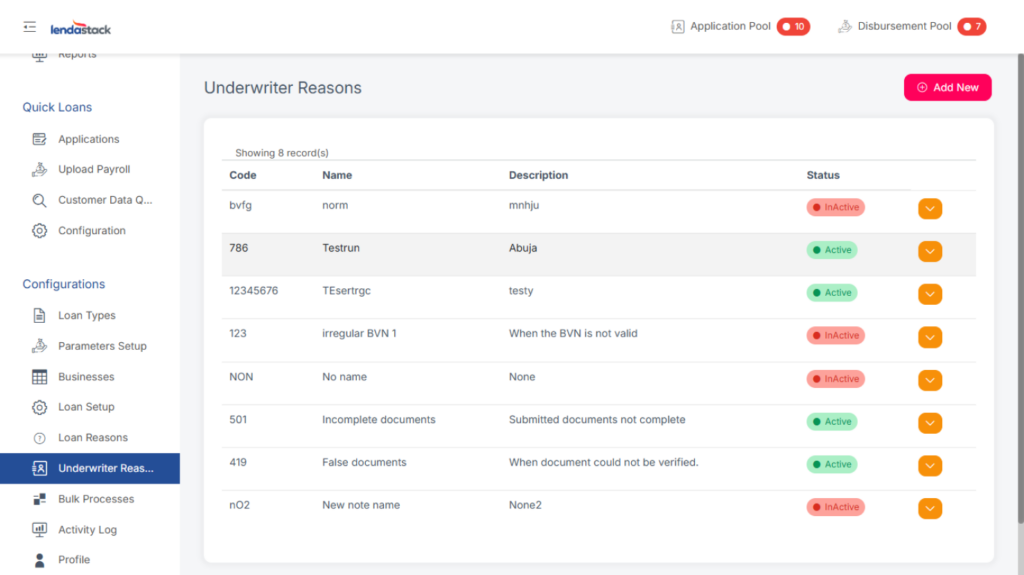
This section is for creating and registering possible reasons for deactivating loans or sending them back for redraft.
Required Permission: Create Underwriter Reason
To create an Underwriter Reason:
1. Navigate to Underwriter Reasons in the sidebar.
2. Click the Add New button in the top-right corner.
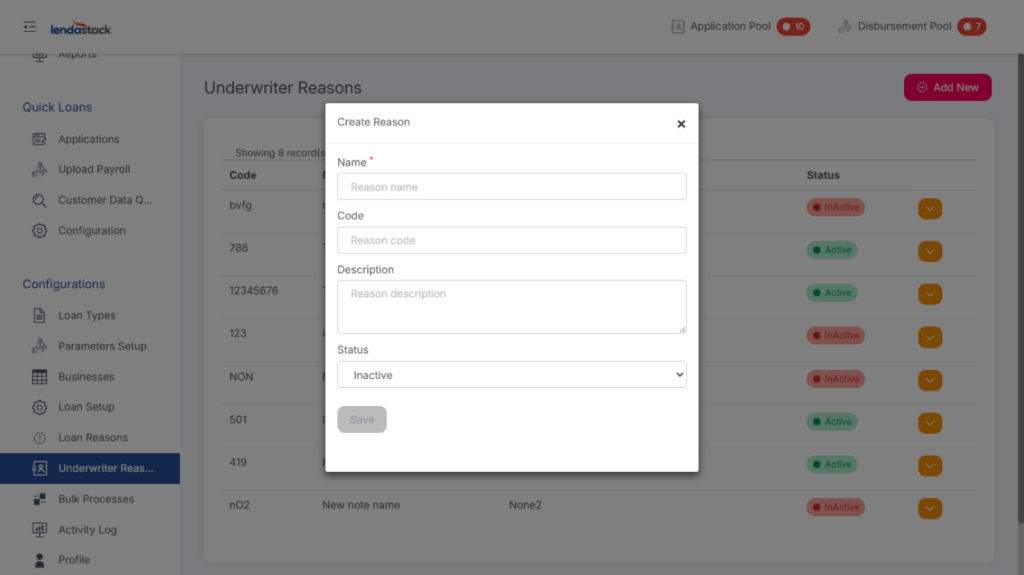
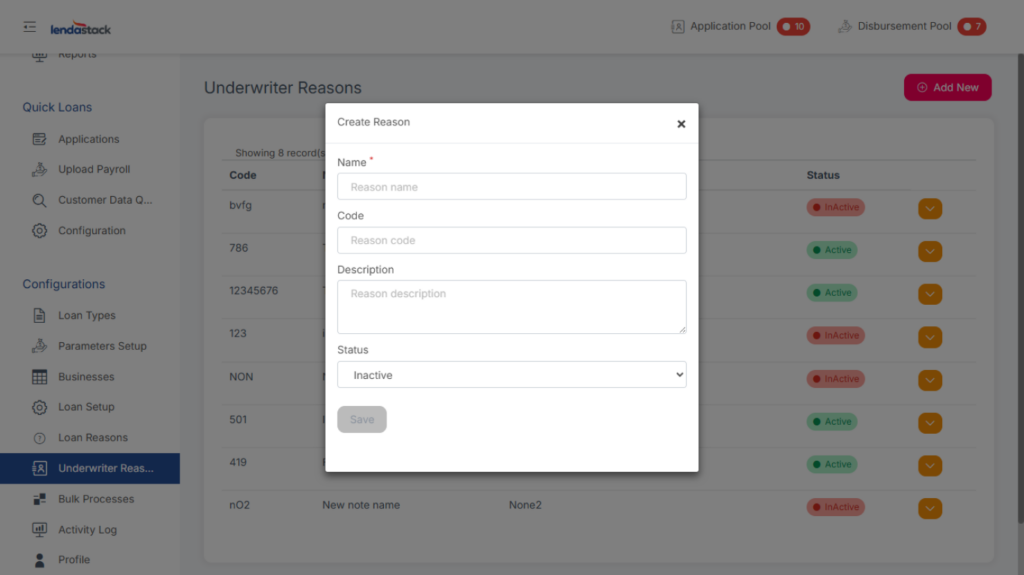
Fill in the necessary information in the form and save.
To activate, deactivate, or edit an underwriter reason, click the dropdown button in the Actions column for the relevant item and select the desired option.