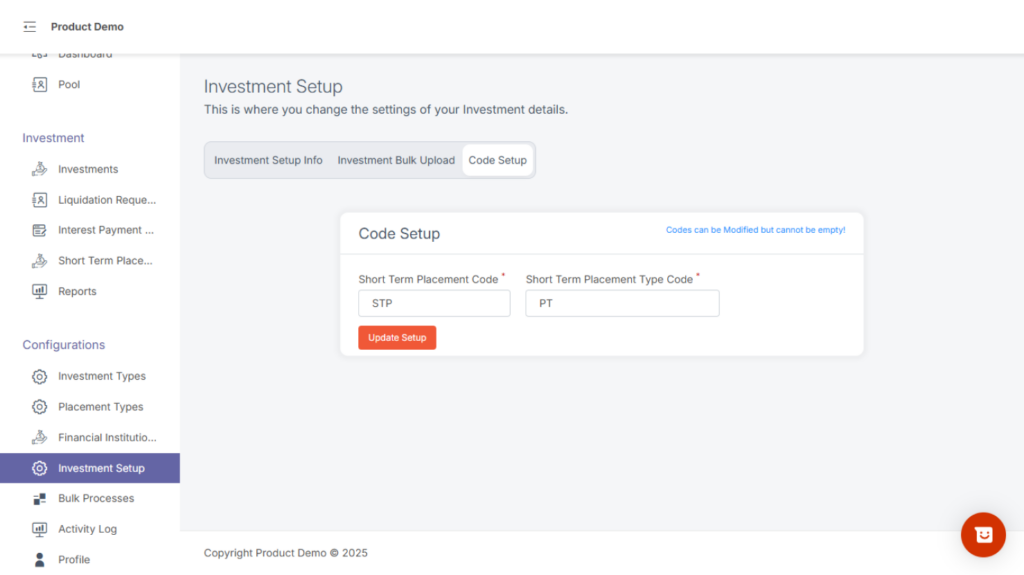
Under this page you have 3 tabs:
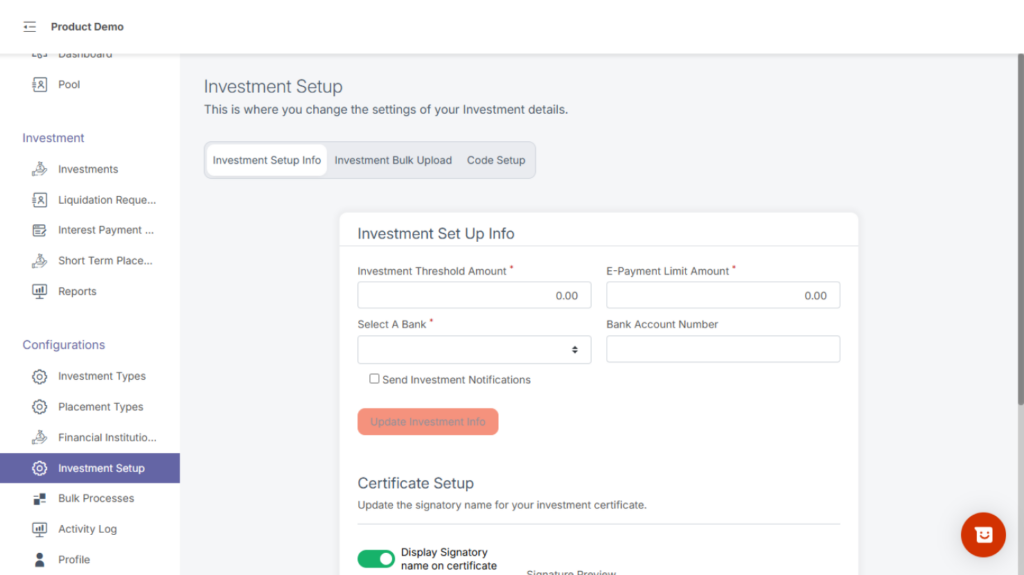
a. Investment Setup Info
General global settings that apply to all investments (e.g., Investment threshold amount, E-payment link amount, Signatory etc.).
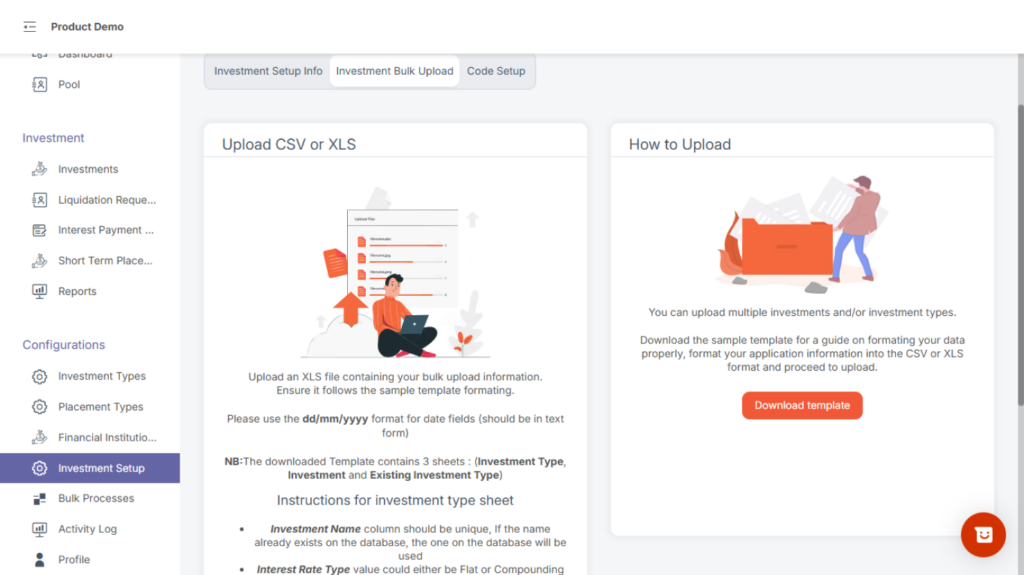
b. Investment Bulk Upload
Enables you to upload multiple investments at once using CSV or a predefined template. Useful for onboarding existing portfolios from external systems.
c. Code Setup
Allows you to configure unique codes related to investments such as:
Prefix formats
Investment ID structure
Auto-generated reference numbers
These codes help maintain uniqueness and consistency across the system.