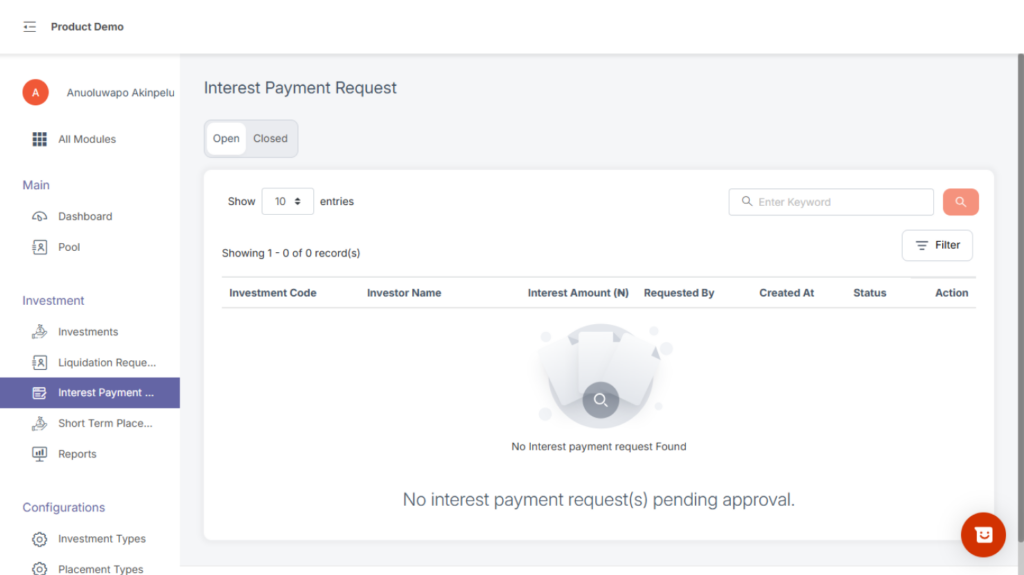
This is where you see all requests related to interest payout.
Tabs include:
- Open – pending requests
- Closed – completed or denied requests
How to initiate interest payout
1, On the view of an active investment click on interest payout tab the following appears
- Interest Amount
- Created date
- Posted date
- Status
- Interest accrude
- Total interest paid
- Interest balance
- Payout interest button
2, click on the payout interest button to initiate interest payout
3, A modal will be displayed to submit.
NB: When the investment type requires payout approval user will navigate to interest payment request page to approve or deny interest payment (requires permission + PIN).